
Download Vero – Free Independent Social Media App
Overview
Vero is a free, independent social networking platform created by Vera Labs that positions itself as an ad‑free, algorithm‑free alternative to the mainstream giants like Instagram, Facebook, and Twitter. At its core, Vero lets users share photos, videos, music, TV shows, and short text updates with a community that values authenticity over reach. Unlike many of its competitors, Vero does not bombard you with push notifications or sponsored posts, which creates a calmer browsing experience.
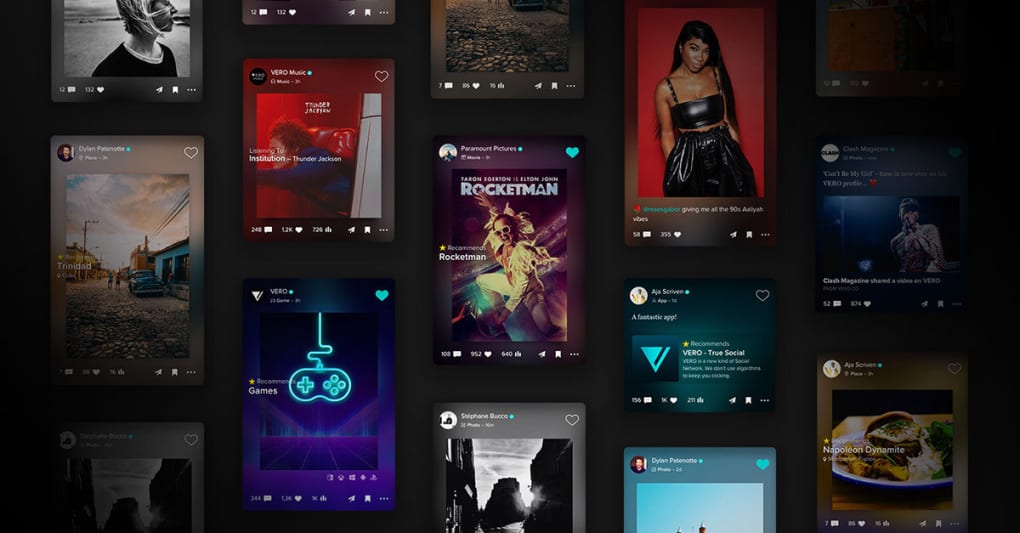
The app is built around four distinct connection categories – Close Friends, Friends, Acquaintances, and Followers – giving you granular control over who sees each piece of content. This level of segmentation is especially appealing to creators who want to curate their audience without sacrificing privacy. Visually, Vero leans heavily on high‑resolution images, often displaying a large cover image when you share a recommendation, making the feed feel like a digital gallery.
While the platform is still relatively new and its user base is smaller than that of the industry leaders, its emphasis on visual quality and a clutter‑free interface has attracted a niche of artists, photographers, and media enthusiasts. Vero also integrates messaging and video‑call capabilities, allowing you to stay in touch with your network without needing a separate chat app. In short, Vero offers a sleek, modern social experience that respects your attention, your data, and your creative output – all without a price tag attached.
Key Features
- Ad‑Free Experience: No banner ads, sponsored posts, or hidden algorithms interfering with your feed.
- Four Connection Tiers: Close Friends, Friends, Acquaintances, and Followers give you precise audience control.
- Rich Media Sharing: Upload high‑resolution photos, 4K videos, music tracks, and TV show recommendations with automatic cover art.
- Integrated Messaging: Direct messages, group chats, and one‑to‑one video calls without leaving the app.
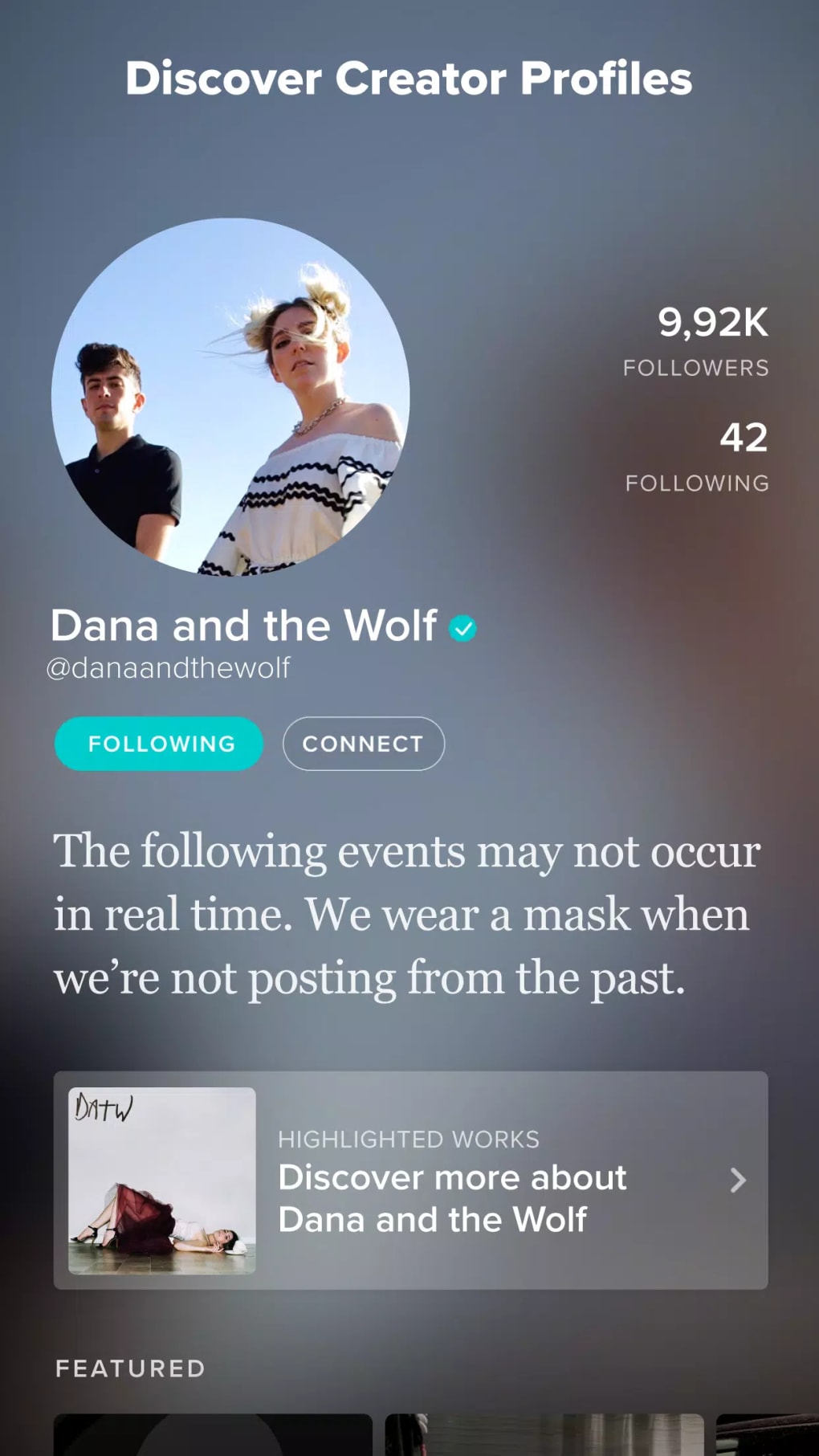
- Customizable Avatars: Assign up to three profile pictures for different connection categories, personalizing how you appear to each group.
- Content Organization: Separate feeds for each connection tier let you scroll through what matters most.
- Privacy‑First Settings: No data mining for advertising; you retain ownership of your posts.
- Cross‑Platform Sync: Your profile, posts, and connections stay consistent across iOS, Android, Windows, and macOS.
- Minimalist Interface: Dark‑mode friendly design with blue accents and intuitive navigation shortcuts.
- Free Updates: Regular security patches and feature enhancements are delivered at no cost.
Installation & Usage Instructions
Getting started with Vero is straightforward, whether you’re on a mobile device or a desktop computer. Begin by visiting the official Vero website or your device’s app store (Google Play Store for Android, Apple App Store for iOS). Search for “Vero – Social Network” and tap the “Download” button. The download size is modest (around 70 MB for mobile), ensuring a quick install even on slower connections.
After installation, launch the app and follow the on‑screen prompts to create a new account. You’ll be asked for a valid email address, a strong password, and a display name. Vero also offers the option to sign up using an existing Google or Apple ID, which speeds up the verification process. Once your account is verified via a confirmation email, you can start building your network. The first step is to import contacts from your phone or connect your existing social media accounts to find friends already on Vero.
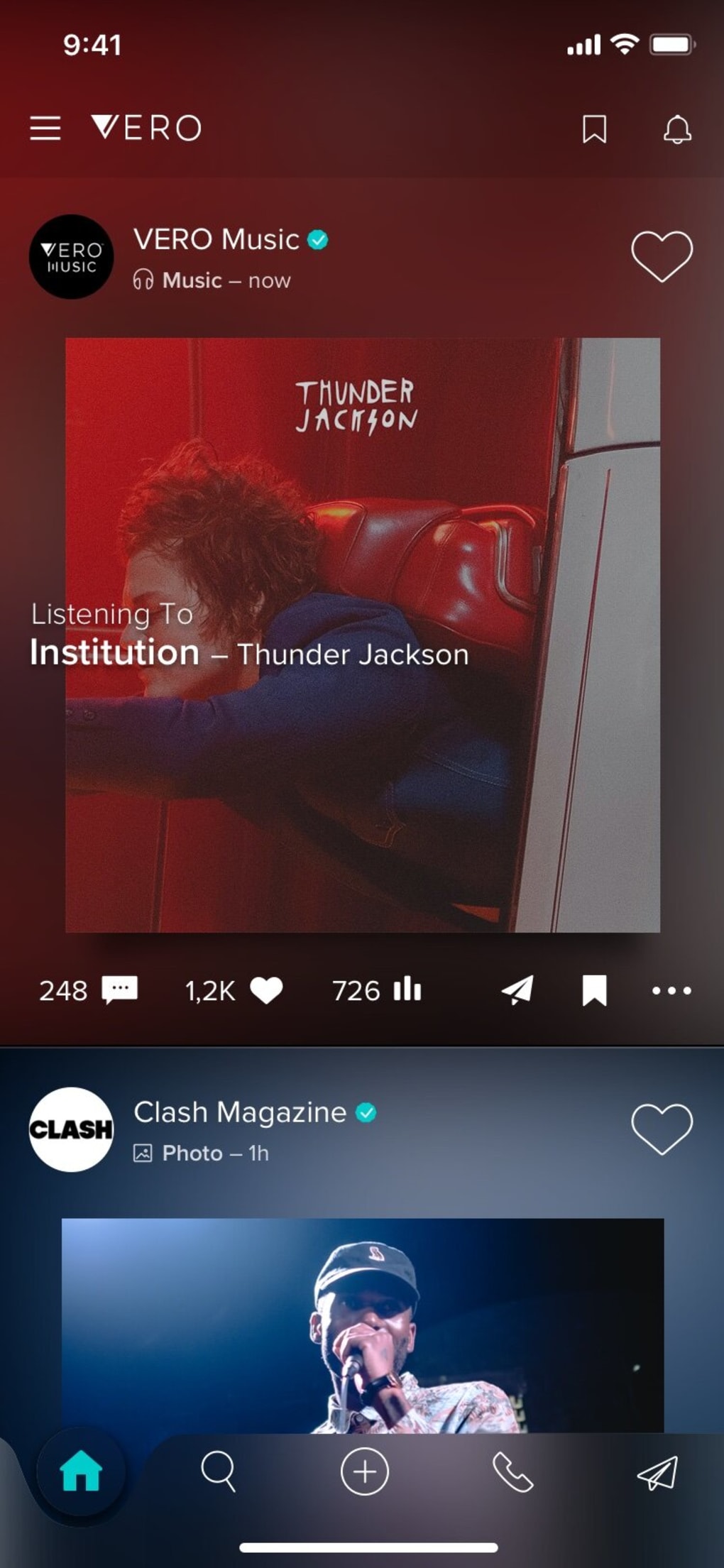
The main dashboard presents four tabs that correspond to your connection categories. To post, tap the “+” icon at the bottom center, select the type of content (photo, video, music, or text), and attach the relevant files. Before publishing, choose which audience tier can view the post by tapping the “Audience” selector – a simple dropdown that lists Close Friends, Friends, Acquaintances, and Followers. You can also schedule posts for later or add location tags if desired.
Messaging works similarly to other chat apps. Swipe left on a user’s profile to open a conversation window, where you can send text, voice notes, or initiate a video call. All communications are encrypted end‑to‑end, ensuring privacy. For power users, Vero provides a “Settings” hub where you can tweak notification preferences, adjust privacy controls, manage blocked users, and link external services like Spotify for music sharing. The app also supports dark mode, which can be toggled automatically based on your device’s system theme.
Finally, keep the app up to date. Vero automatically checks for updates at launch, but you can also manually trigger a check from the “About” section. Regular updates bring performance improvements, bug fixes, and occasional new features such as additional avatar slots or expanded video call duration. By following these steps, you’ll enjoy a smooth, ad‑free social experience that respects both your time and your creative expression.
Compatibility
Vero has been built to run natively on the most common operating systems, ensuring a consistent experience across devices. For mobile users, the app supports:
- iOS 13.0 and later (iPhone, iPad, iPod Touch)
- Android 8.0 (Oreo) and later, covering the majority of Android smartphones and tablets.
Desktop users can also enjoy Vero through a web‑based client that works on all major browsers, including Chrome, Firefox, Safari, and Edge. While there isn’t a dedicated Windows or macOS installer at this time, the responsive web interface adapts to screen sizes ranging from 1024 px up to 4K monitors, making it viable for both Windows 10/11 and macOS Catalina or newer.
The platform leverages modern web technologies (HTML5, CSS3, and WebRTC) for real‑time video calls, which means you’ll need a recent browser version that supports these standards. For the best video‑call quality, a webcam with at least 720p resolution and a stable broadband connection (minimum 3 Mbps upload/download) are recommended.
Vero also integrates with external services such as Spotify, YouTube, and Apple Music, allowing you to embed tracks or video clips directly into your posts. This integration works across all supported operating systems, as it relies on OAuth authentication that redirects you to the respective service’s login page.
In summary, Vero’s cross‑platform compatibility ensures that whether you are on a flagship iPhone, a budget Android phone, a Windows laptop, or a Mac desktop, you can access the same feature set without compromise. The app’s lightweight design keeps memory usage low (typically under 150 MB RAM on mobile) and battery consumption modest, making it a friendly addition to daily device usage.
Pros and Cons
Pros
- Completely ad‑free and algorithm‑free feed, delivering an authentic browsing experience.
- Four distinct audience tiers give granular control over post visibility.
- High‑quality visual focus with large cover images and support for 4K video.
- Integrated messaging and video‑call features eliminate the need for third‑party chat apps.
- Privacy‑first design; no data mining for advertising purposes.
- Cross‑platform availability (iOS, Android, web) with consistent UI.
- Free to download and use, with regular updates at no cost.
- Customizable avatars for different connection groups add a personal touch.
- Dark‑mode friendly interface reduces eye strain and saves battery on OLED screens.
- End‑to‑end encrypted messaging ensures secure communication.
Cons
- Smaller user base compared to major platforms, limiting network growth.
- No built‑in marketplace or e‑commerce tools for creators who want to sell directly.
- Lack of a dedicated desktop client; reliance on a responsive web app for PC usage.
- Limited discoverability features; you must know usernames to follow new creators.
- Occasional bugs reported on older Android versions (e.g., image upload glitches).
- Feature set, while solid, lacks some advanced analytics found on competitor platforms.
FAQ
Is Vero really free, or are there hidden charges?
Vero is completely free to download and use. There are no subscription fees, in‑app purchases, or hidden charges. All updates and new features are delivered at no cost, and the platform remains ad‑free.
Can I import my contacts from other social networks?
Yes. During the onboarding process, Vero offers the option to connect with your Google, Facebook, or Apple contacts. This helps you quickly find friends who already use Vero.
How does Vero protect my privacy?
Vero does not sell user data, run targeted ads, or employ a feed‑ranking algorithm. All messages are end‑to‑end encrypted, and you control who sees each post through the four audience tiers.
Is there a limit to how many photos or videos I can upload?
There is no strict daily limit for uploads. However, individual video files are capped at 500 MB to ensure smooth streaming. Photos are automatically compressed to balance quality and storage.
Can I use Vero for business or brand promotion?
While Vero is primarily a creator‑focused platform, businesses can create a professional profile, share high‑quality visual content, and interact with followers. The lack of ads means you’ll need to rely on organic reach and word‑of‑mouth.
Conclusion & Call to Action
Vero stands out in the crowded social‑media landscape by stripping away the noise that most users find intrusive – ads, algorithms, and endless push notifications. Its clean, visual‑first design, combined with powerful audience‑segmentation tools, makes it an appealing choice for creators, artists, and anyone who values privacy. While the community is still growing and certain advanced features (like a built‑in marketplace) are missing, the platform’s core strengths – ad‑free browsing, high‑quality media support, and secure messaging – are compelling enough to merit a try.
If you’re looking for a fresh, uncluttered social space where you control who sees your content, download Vero today and experience a more authentic way to share your life’s moments. Click the button below to get the app for your device, set up your profile, and start connecting with friends on a platform that respects your attention and creativity.







